

- Home
- Poor Wi-Fi signal
Poor Wi-Fi? Why extenders let you down, and what fixes it.
Plug-in extenders, powerline adapters, mesh and wired access points compared, with a worked example of what a hardwired system changes in a typical house.
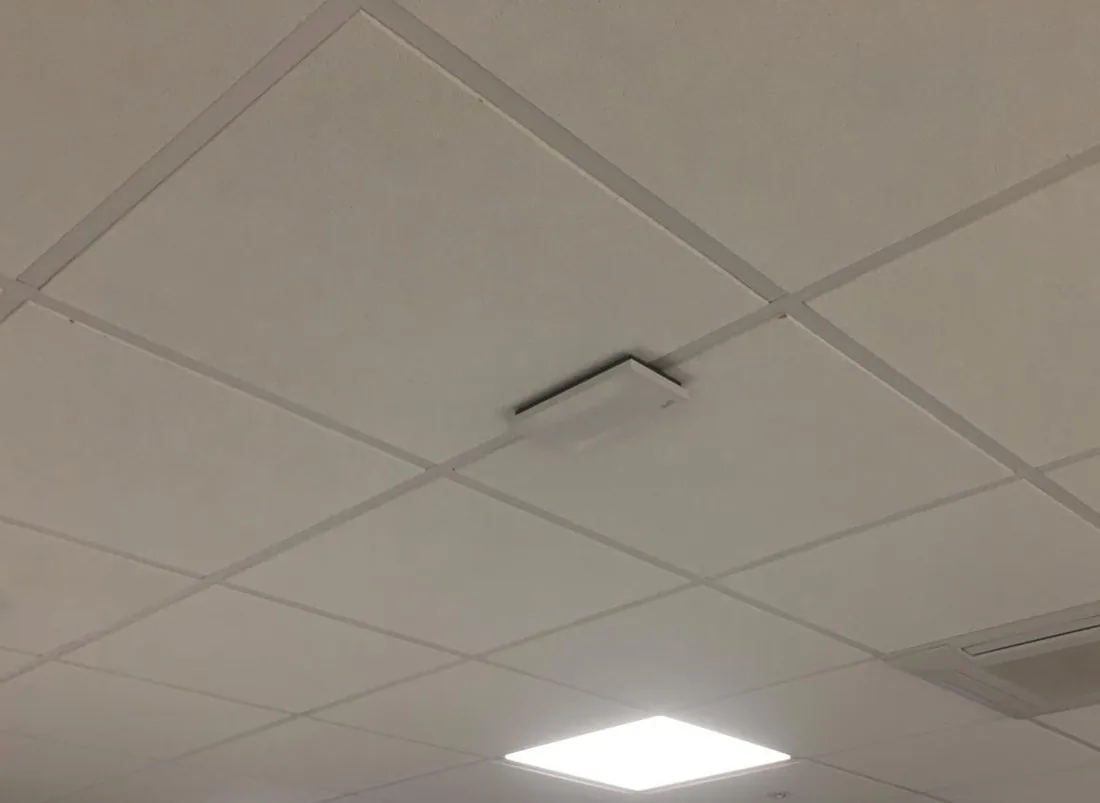
Slow Wi-Fi upstairs, a dead spot in the kitchen, video calls dropping in the home office: it is one of the most common complaints in modern homes, and plug-in boosters rarely fix it properly. This guide explains why, compares extenders, powerline adapters, mesh and wired access points, and shows what a hardwired system changes in a typical house.
First: is it your Wi-Fi or your broadband?
- Restart the router and wait a few minutes.
- Check your provider’s service status page or app for faults in your area.
- Test next to the router. If it is fast there but slow elsewhere, you have a coverage problem. Read on.
- Plug a laptop in by cable. If that is slow or offline too, the problem is the broadband line, and your provider has to fix it.
Why the signal is poor in some rooms
- Where the router is. Providers fit it where the line comes in: the hallway, a cupboard, under the stairs, often at one end of the house.
- Walls and floors. Solid brick and block, especially old external walls inside extended houses, absorb Wi-Fi.
- Foil and metal. Foil-backed insulation boards in extensions and loft conversions, underfloor heating, mirrors, radiators and kitchen appliances all block or reflect it.
- Distance. Wi-Fi fades quickly. A garden office or loft room at the far end of a house is often beyond useful range.
- Too many devices sharing one router, from phones and TVs to doorbells and cameras.
Extenders, powerline, mesh or wired: your options compared
Plug-in extenders are cheap and quick, but they have a built-in problem: they listen to your Wi-Fi and repeat it, usually on the same radio, so they spend half their time receiving and half sending. They also have to sit where the signal is still good, which is often not where you need it. Powerline adapters avoid the radio problem by sending data through your mains cables, but how well they work depends on your wiring. Mesh systems are far better at acting as one network, and are at their best when the units are linked by cable. Wired access points give every area its own full-speed connection.
| Plug-in extender | Powerline adapters | Mesh (wireless links) | Wired access points | |
|---|---|---|---|---|
| How it works | Picks up your Wi-Fi and repeats it | Sends data through the mains wiring | Several units pass data to each other by radio | Each unit is cabled back to the router (Cat6) |
| Speed behind it | Typically well under half | Varies with the wiring | Good near the main unit, drops further away | Full speed at every unit |
| Reliability | Drops out if placed badly | Can drop out; affected by other appliances | Good | Very good |
| Moving room to room | Phone often clings to the weak signal | As extender | Smooth | Smooth, managed as one network |
| Garden office | Rarely works | Hit and miss | Sometimes | Yes, with a buried cable |
| Best for | A quick fix in a small flat | Getting a cable-like link where you can’t run cable | Most homes without cabling | Larger homes, extensions, home offices, anyone who works from home |
Worked example: plug-in extenders vs a hardwired system
Illustrative example. This shows the kind of difference we typically see. It is not a specific customer’s job, and every house is different, which is why we survey first.
The house: a four-bedroom 1930s semi with a rear kitchen extension and a garden office. 500Mbps fibre broadband, with the router in the front hallway. Two plug-in extenders, one on the landing and one in the kitchen.
| With two plug-in extenders | With wired access points | |
|---|---|---|
| Kit | Router plus two plug-in extenders | Router, a small PoE switch, three ceiling access points and one in the garden office |
| Hallway and lounge | Fast | Fast |
| Back bedrooms | Slow in the evenings; video buffers | Close to full broadband speed |
| Kitchen extension | Patchy behind the foil-backed walls | Strong: an access point in the extension ceiling |
| Garden office | Drops out; work calls on 4G | Same Wi-Fi as the house, stable all day |
| Walking around on a call | Call drops when the phone switches | Phone moves between access points without dropping |
| Visible kit | Boxes in sockets | Small white discs on the ceiling |
Why the difference: each extender was repeating an already weak signal, so the rooms behind it got a fraction of the speed. The wired system gives every area its own cabled link back to the router, so speed doesn’t fall away with distance, and the access points are managed as one network, so phones and laptops hand over cleanly.
What a hardwired Wi-Fi system involves
- Survey. We look at the house, where the router is, how you use each room, and where cables can run without mess.
- Data cabling. Cat6 cable from a central point to each access point, routed through lofts, floors and cupboards. Every cable is tested.
- Access points. Small ceiling or wall units, powered through the data cable (PoE), set up as one network with one name and password.
- Extras if you want them. Wired points for the TV, games console and home office desk, and outdoor coverage for the garden or a garden office.
- Handover. We show you how it works and leave you with a simple record of what is where.
It is a good time to do it if you are rewiring, extending or converting a loft: the floors are up, so cabling costs little extra. See why to hire your own electrician for an extension. For offices and larger buildings, see business Wi-Fi and data cabling.
Wi-Fi: questions we’re asked
Why is my Wi-Fi so slow in some rooms?
Wi-Fi is radio, and every wall, floor, mirror and metal object between the router and your device weakens it. Thick brick and block walls, foil-backed insulation, underfloor heating and kitchen appliances are the worst. If the router sits in a cupboard, under the stairs or at one end of the house, the far rooms get what is left.
Do Wi-Fi extenders actually work?
They help a little in the right spot, but they have limits. A plug-in extender has to receive the Wi-Fi and send it on again, usually on the same radio, so devices behind it typically get well under half the speed, and it only works if it sits where the signal is still good. That is why so many people find extenders disappointing.
Is mesh Wi-Fi better than an extender?
Usually, yes. A mesh system is designed to work as one network and hands your phone from one unit to the next. But if the mesh units talk to each other wirelessly, they still share radio time and slow down through thick walls. Mesh units connected to each other by cable (wired backhaul) are a big step up.
Are powerline adapters any good?
Sometimes. They send data through your mains wiring, so results depend on the wiring, the distance and whether the two adapters are on the same circuit. In some houses they work well; in others they are slow or drop out. The speed on the box is a theoretical maximum you will not see in practice.
What is a wired access point?
A small Wi-Fi unit, usually on the ceiling, connected back to your router by a data cable. Each one gets the full speed of the cable, so every room it covers gets strong, fast Wi-Fi. Most are powered through the same cable (PoE), so you don’t need a socket next to it.
Can you run data cable without making a mess?
In most homes, yes. We route cables through lofts, under floors and inside cupboards and boxing, and we survey first so you know where every access point and cable will go. If you are renovating, extending or rewiring, it is the cheapest time to do it, because the walls and floors are already open.
My Wi-Fi isn’t working at all. Is that an electrician’s job?
Not usually. If nothing in the house can get online, restart the router and check your broadband provider’s service status first. If a device plugged into the router by cable can’t get online either, the fault is with the broadband line, and your provider needs to fix it. If the internet works next to the router but not elsewhere, that is a coverage problem, and that is what we fix.
Can you get good Wi-Fi to a garden office?
Yes. The reliable way is a buried armoured data cable (or a cable alongside a new power supply) to an access point in the office. Extenders and powerline adapters across a garden are rarely reliable. If we are already running power to the office, adding a data cable costs very little extra.
Written by SEGplc. Last updated 19 October 2026.
Need it done by a date?
Tell us the deadline. We’ll tell you honestly whether we can hit it — and we usually can.