

- Home
- UniFi Protect
UniFi Protect and AI CCTV installation
Ubiquiti UniFi cameras, including the new AI models, surveyed, cabled, mounted and set up properly, with no camera licences to pay.
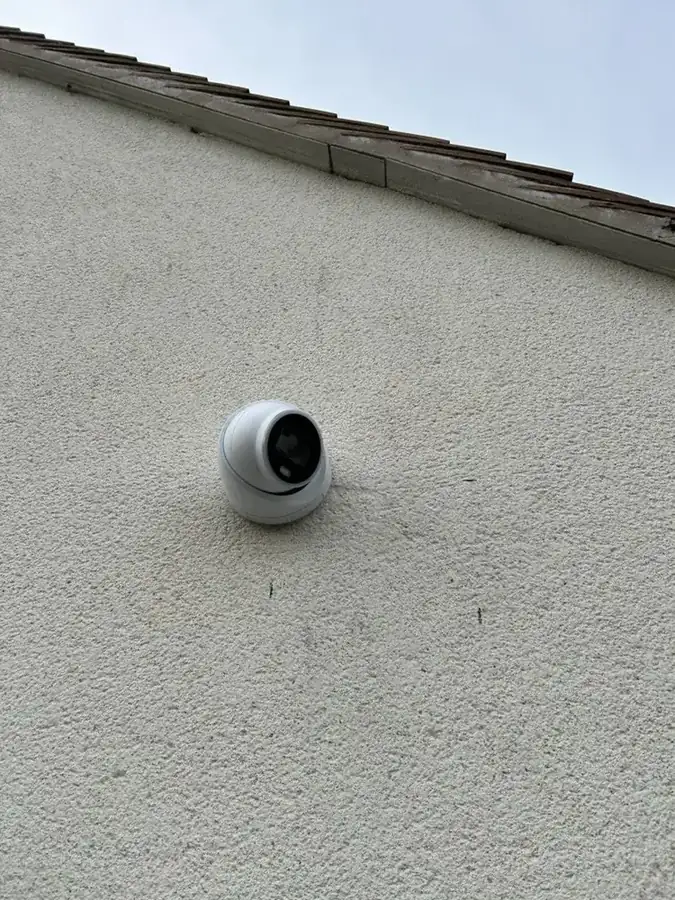
We install Ubiquiti UniFi Protect camera systems for homes, care homes, offices and sites across Hertfordshire and London, including the newer AI cameras. We do the whole job: survey, cabling, mounting, setting up Protect, and showing you how to use it.
What UniFi Protect is
- Cameras plus a console. Footage records to a UniFi console on site: a Cloud Key, a Dream Machine or a UniFi NVR.
- No camera licences. You buy the hardware; Protect itself has no per-camera subscription.
- One app for live view, playback and alerts, on your phone or computer, at home or away.
- Works with UniFi Wi-Fi, door access and networking, so one system can run the whole building.
AI detection: what the AI cameras actually do
- Smart detections: Protect can tell people from vehicles, so you get alerts for a person at the door rather than every tree that moves.
- Faces and number plates: the AI and G6 cameras can recognise faces and licence plates. Older G4 and G5 cameras get these with an AI Key or AI Port.
- Search footage in plain words with an AI Key, for example “white van” or “person with a dog”.
- Processed on site. Ubiquiti says Protect’s detection runs on your own equipment, so footage doesn’t need to go to the cloud for analysis.
Face recognition and the law: recognising people’s faces is biometric data. A business using it needs a clear reason and a data protection impact assessment; at home, keep cameras pointed at your own property. We’ll set detection zones and privacy masks so cameras record what they should.
How we install UniFi
- Survey: what each camera needs to see, mounting points, cable routes, night lighting.
- Cabling: tested Cat6 to every camera, powered by PoE from a UniFi switch, with the power budget worked out up front. See data cabling.
- Mounting: cameras fitted, aimed and focused, outside cables sealed.
- Set-up: Protect adopted and updated, recording schedule and retention set, detection zones, privacy masks, alerts, remote access and users.
- Handover: we show you how to use the app.
We use it ourselves: our head office in Chiswell Green
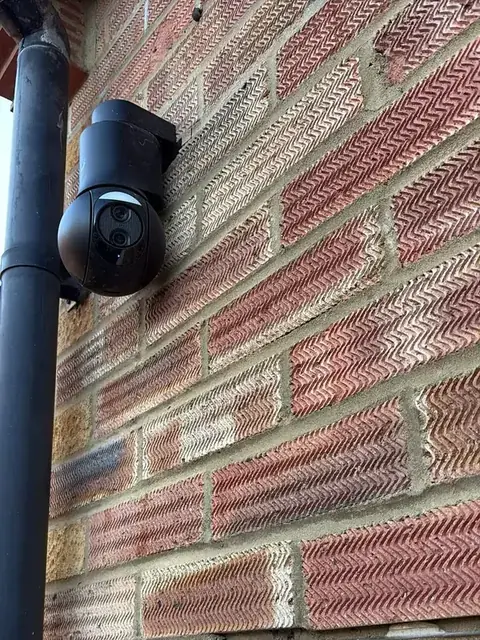
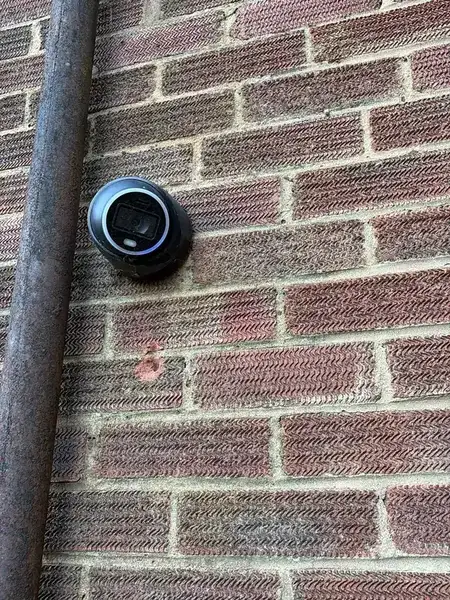
Our own head office at 192–194 Watford Road, Chiswell Green, St Albans runs on UniFi Protect. We installed it ourselves: cameras around the building, recording to a UniFi Dream Machine on site. It’s the same kit and the same way of working we use for customers.
Who UniFi suits, and when Verkada is better
UniFi is great value for homes, single offices and sites that want to own their system with no licence fees. For multi-site businesses that want everything managed in the cloud, with no recorder on site, automatic updates and one dashboard across every building, our sister company SEGcore installs Verkada as a Gold Partner. See which CCTV system and on-premise vs cloud CCTV.
A real install: a care home in St Albans, September 2025
A care home in Kings Park wanted two UniFi cameras covering the front of the building. Our engineers tested the data outlets, terminated the camera cables, fitted both cameras on the front elevation, and agreed each camera’s position and angle with the site before leaving the garden tidy.
Already have UniFi and it’s playing up? See UniFi Protect cameras going offline.
Questions we’re asked
Do you install UniFi Protect cameras?
Yes. We survey, cable, mount and set up UniFi Protect systems, including the AI cameras, for homes and businesses across Hertfordshire and London. Our own head office in Chiswell Green, St Albans runs on UniFi Protect, which we installed.
Does UniFi Protect need a subscription?
No per-camera licence is needed for Protect. You buy the cameras and a console (Cloud Key, Dream Machine or NVR) and footage records on site.
What do UniFi AI cameras do?
They detect people and vehicles, and the AI and G6 cameras can recognise faces and number plates. An AI Key adds plain-word searches of your footage. Ubiquiti says the detection runs on your own equipment.
Can you add AI detection to my existing UniFi cameras?
Often, yes. Ubiquiti's AI Port and AI Key add detections and recognition to older G-series and some third-party cameras. We'll check which of your cameras are supported.
UniFi or Verkada?
UniFi suits homes and single sites that want to own the system with no licences. Verkada suits multi-site businesses that want cloud management and one dashboard. Our sister company SEGcore is a Verkada Gold Partner, so we can advise on both.
Do you cover London?
Yes. We work across Hertfordshire, Bedfordshire, Buckinghamshire and London.
Written by SEGplc. Last updated 22 October 2026. Sources: Ubiquiti Help Center, UniFi Protect smart detections; StorageReview, UniFi AI Key, 29 January 2025.
Need it done by a date?
Tell us the deadline. We’ll tell you honestly whether we can hit it — and we usually can.