

- Home
- On-premise vs cloud CCTV
On-premise vs cloud CCTV: pros, cons and security
Cloud makes multi-site security simple. On-premise keeps every frame in the building. The honest case for each, and the security questions that apply to both.
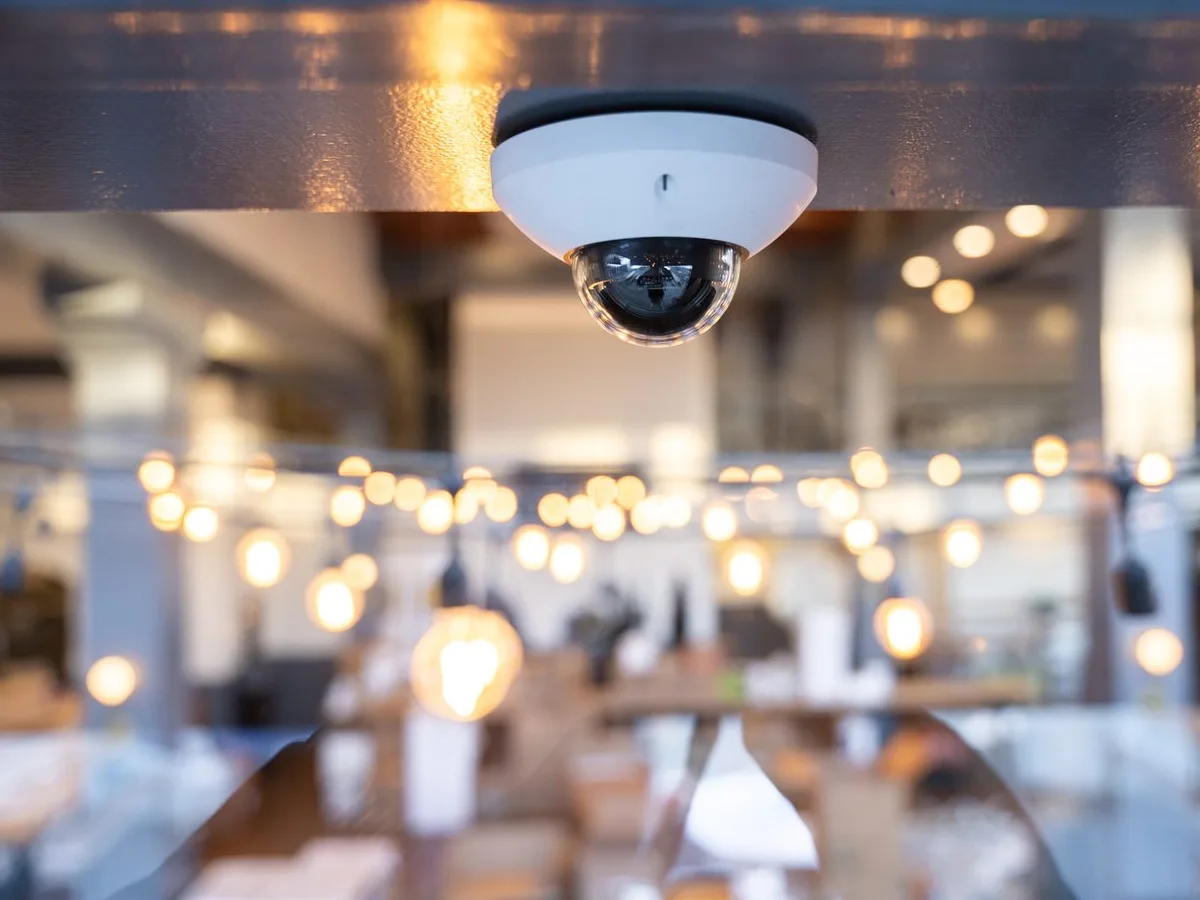
We were recently asked to design CCTV for a luxury hotel whose guests include people who are recognised wherever they go. The brief was short: no cloud. Nobody outside the building should ever be able to see, copy or leak a frame of footage.
For that hotel, on-premise is the right answer. For most of the offices, schools, shops and multi-site businesses we work with, cloud is. Both are good technology; they solve different problems. Here are the honest pros and cons of each, the security questions that apply to both, and how to tell which one your site needs.
The two approaches at a glance
Cloud (or cloud-managed) CCTV is run from the supplier’s online platform. Depending on the product, footage is kept on the cameras themselves, in the cloud, or both, and you manage and view everything from a browser or app.
On-premise CCTV records to a recorder (an NVR or video management server) in your building. Viewing happens on site, and any remote viewing goes through your own network.
| Cloud-managed | On-premise | |
|---|---|---|
| Best for | Multi-site businesses, schools, offices, retail | Sites where the footage itself is the risk |
| Managing several sites | One dashboard for all of them | A recorder per site, or a central server to build |
| Remote viewing | Built in, without opening your network | Only if you add it, ideally by VPN |
| Security updates | Pushed by the supplier | Applied by your installer or IT team |
| Recorder to maintain | No | Yes |
| Needs the internet | Yes, for management and remote viewing | No, if designed that way |
| Where footage lives | On the cameras, in the cloud, or both | In your building |
| Running costs | Licence per camera | Maintenance, drives, software licences, IT time |
Cloud CCTV: the case for it
- Every site on one screen. Ten branches, a head office and a warehouse are one login and one dashboard. Adding a new site is adding cameras, not building another system.
- No recorder to look after, or to steal. There is no box in a cupboard with failing hard drives. Where footage is kept on each camera, a burglar who takes the recorder takes nothing, because there isn’t one, and cloud backup can keep a second copy off site.
- Security updates arrive automatically. Unpatched firmware is one of the main ways CCTV gets compromised. Cloud platforms push updates for you, so the system does not slowly fall behind.
- Remote viewing without opening up your network. Many on-premise compromises start with a port opened so someone could watch on their phone. Cloud systems connect outwards to the platform, so there is nothing to forward and no VPN to maintain.
- Find the moment in seconds. Search by person, vehicle, colour or time across every camera instead of scrubbing through hours of recording.
- People join and leave cleanly. Users sign in with their work account (single sign-on), with multi-factor sign-in, so when someone leaves, their access goes with their account. Every view and export is in the audit log.
- Share safely. Send the police or an insurer a secure link to one clip instead of burning discs or emailing files.
- It tells you when something is wrong. A camera that goes offline or is moved raises an alert, rather than being discovered the day you need the footage.
- One platform for the building. Cameras, door access, intercom and environmental sensors in the same system, so a door event links straight to the footage.
- Grows a camera at a time. No recorder capacity to outgrow, and running costs that are known in advance.
Cloud CCTV: the trade-offs
- An ongoing licence for each camera. It covers the platform, updates and support, but it is a running cost to budget for.
- Management and remote viewing need an internet connection. Systems that record on the camera keep recording through an outage, but you manage them through the platform.
- Some information goes to the supplier’s platform even when footage stays on the camera, such as thumbnails and system data. Check what, and where it is held.
- You are trusting the supplier’s security as well as your own, so choose one that publishes its controls.
On-premise CCTV: the case for it
- The footage never leaves the building. For a hotel, private residence, family office or a venue for public figures, that is the whole point.
- It can be completely isolated. Cameras and recorder on their own network with no route to the internet removes the biggest external routes in.
- It works with no internet at all. Viewing and recording carry on regardless of the broadband.
- No per-camera subscription. There are still costs, but no monthly or annual licence per camera.
- Long retention, kept locally. Storage is sized on site to however long you need to keep footage.
- Full control. You decide when software changes, who has access and where every copy of the footage is.
On-premise CCTV: the trade-offs
- Security is your job. Default passwords, recorders exposed to the internet and unpatched firmware are how most on-premise systems are compromised (more below).
- The recorder is a single point of failure. If it fails, is stolen or its drives die, the footage goes with it unless there is a second copy.
- Multiple sites are harder. Each site needs its own recorder, or a central system and secure links to build and maintain.
- Remote viewing has to be designed carefully, because that is where most of the risk comes in.
- More upkeep. Firmware updates, drive replacements and health checks need someone to own them.
The security questions that apply to both
How on-premise systems get compromised
Default passwords: the Mirai botnet of 2016 spread using a list of 62 factory logins and took over around 600,000 devices at its peak, mostly IP cameras and recorders. Recorders left reachable from the internet: port forwarding and UPnP put the login page on the public internet; the NCSC advises turning both off. Unpatched firmware: a Hikvision flaw published in 2021 (CVE-2021-36260) let a remote attacker take control of affected devices, and a year later researchers still found around 80,000 internet-facing devices unpatched, more than 2,000 in the UK. Hidden “P2P” remote viewing: many recorders sold as local include a manufacturer relay service, and a flaw in one widely used relay library (ThroughTek Kalay) allowed live viewing of affected devices. Flat networks: NPSA’s CAPSS guidance includes cases of malware spreading through ordinary control-room PCs that could see the camera system.
In November 2022 the UK government told departments to stop deploying surveillance equipment from companies subject to China’s National Intelligence Law on sensitive sites, and not to connect such equipment to core networks.
How cloud accounts get compromised
With cloud systems the risk moves to access: stolen logins, and how much the supplier’s own staff and systems can see. In two well-known consumer cases, the US Federal Trade Commission found that Ring had let employees view customer videos and had been slow to stop attackers using stolen passwords, and a Wyze fault in 2024 briefly showed some users images from other people’s cameras. Enterprise platforms answer this with published controls. Verkada, for example, documents multi-factor sign-in, single sign-on, encryption, audit logs that include its own support staff’s actions, and support access that is off by default and time-limited when you grant it.
If you choose on-premise, insist on these
- Cameras and recorder on a separate network (physically separate, or its own VLAN behind a firewall), with no route from guest Wi-Fi or the business network.
- No port forwarding, UPnP or P2P features. If remote viewing is genuinely needed, a VPN with multi-factor sign-in, and nothing else.
- Default credentials changed at installation, and every account named to a person, with only the access that person needs.
- Encrypted storage on the recorder, and the recorder in a locked room with controlled access.
- Logs of who logged in, viewed and exported footage, reviewed by someone other than the people being logged.
- Firmware updates on a schedule, and equipment replaced when it goes out of support.
- A retention period set to what the site actually needs, so there is less footage to lose.
These follow NPSA’s CAPSS guidance, NCSC advice on internet-exposed devices and CISA’s recommendations for IP cameras.
If you choose cloud, check for these
- Multi-factor sign-in and single sign-on with your own work accounts.
- Role-based permissions, so staff only see the sites and cameras they need.
- Audit logs that include the supplier’s own support staff.
- Support access that is off unless you grant it.
- Encryption in transit and at rest, and a clear answer on where data is stored.
- Privacy tools such as face blurring and privacy zones, and control over whether footage is backed up to the cloud at all.
Which suits your site?
Choose cloud if you run more than one site, want to see everything from one place, do not have an IT team to maintain a recorder, or want CCTV, door access and visitor management on one platform. That covers most offices, schools, retailers and managed buildings.
Choose on-premise if the footage itself is the risk and the brief is that nothing may leave the building: luxury hotels, private residences, family offices and venues for public figures. Designed and isolated properly, it is the stronger fit there.
Consider a hybrid if you want local recording but cloud convenience. Some platforms keep footage on the camera and use the cloud only for management and remote viewing. Verkada, for example, stores footage on the camera by default and makes cloud backup optional, and it is the system we install most often for offices, schools and multi-site clients.
Whichever you choose, UK data protection law applies in the same way. The ICO expects a data protection impact assessment where surveillance is likely to be high risk, retention no longer than needed, restricted access, clear signage, and the ability to find and redact footage for a subject access request.
We are happy to talk this through for your site. Get in touch, see our CCTV installation work, or read which CCTV system to choose.
Questions we’re asked
What are the advantages of cloud CCTV?
One dashboard for every site, no recorder to look after, security updates pushed automatically, remote viewing without opening up your network, fast search through footage, and users added or removed in minutes. It suits multi-site businesses, schools and offices without an IT team to run a recorder.
What are the advantages of on-premise CCTV?
The footage never leaves your building, the system keeps recording with no internet connection, it can be completely isolated from other networks, and there is usually no per-camera subscription. It suits sites where the footage itself is the risk.
Can an on-premise CCTV system be hacked?
Yes. Keeping footage on site removes one route in, but recorders are still computers on a network. Default passwords, recorders exposed to the internet through port forwarding or UPnP, unpatched firmware and built-in “P2P” remote-viewing services are how most on-premise systems are compromised.
Is cloud CCTV safe for a hotel with high-profile guests?
For most hotels, yes, provided it has multi-factor sign-in, single sign-on, audit logs and tight control over the supplier’s own support access. If the brief is that no footage, image or connection may ever leave the building, an isolated on-premise system is the better fit.
Is cloud CCTV more expensive?
It is costed differently. Cloud systems carry a licence per camera, which includes updates, support and the platform. On-premise systems avoid that but need recorders, drives, maintenance visits and someone to keep them patched. Compare the full cost over five or ten years, not the installation price.
Does UK GDPR apply if the footage never leaves the building?
Yes. The ICO is clear that the organisation operating the cameras is responsible either way: a data protection impact assessment for higher-risk surveillance, retention no longer than needed, restricted access, signage, and being able to find and redact footage for a subject access request.
Sources
Checked 18 October 2026.
- NPSA: Cyber Assurance of Physical Security Systems (CAPSS) guidance
- NCSC: organisational use of enterprise connected devices
- NCSC: using security cameras safely (UPnP and port forwarding)
- CISA: advisory and mitigations for IP cameras
- CISA: Hikvision CVE-2021-36260
- BleepingComputer: 80,000 Hikvision cameras still exposed (2022)
- CISA: ThroughTek Kalay P2P advisory
- USENIX: Understanding the Mirai botnet
- UK Parliament: surveillance equipment at sensitive sites (Nov 2022)
- FTC: Ring (2023)
- Verkada: security controls
- Verkada: where footage is stored
- Verkada: hybrid cloud architecture (remote access without port forwarding or VPNs)
- ICO: guidance on video surveillance
Need it done by a date?
Tell us the deadline. We’ll tell you honestly whether we can hit it — and we usually can.